FCM EXTENSION
Influence traveller behaviour at the point of booking
Pop-up notifications and Chrome Extension tailored to your policy.
Make your corporate travel policy easier to follow
Getting employees to follow your corporate travel policy often feels like a constant battle, and endless email reminders.
FCM Extension changes the dynamic by delivering real-time, customisable pop-up notifications directly in the traveller's browser. This extension wraps around any booking experience to gently nudge users toward approved booking tools, preferred vendors, and safer choices.
How FCM Extension works
-
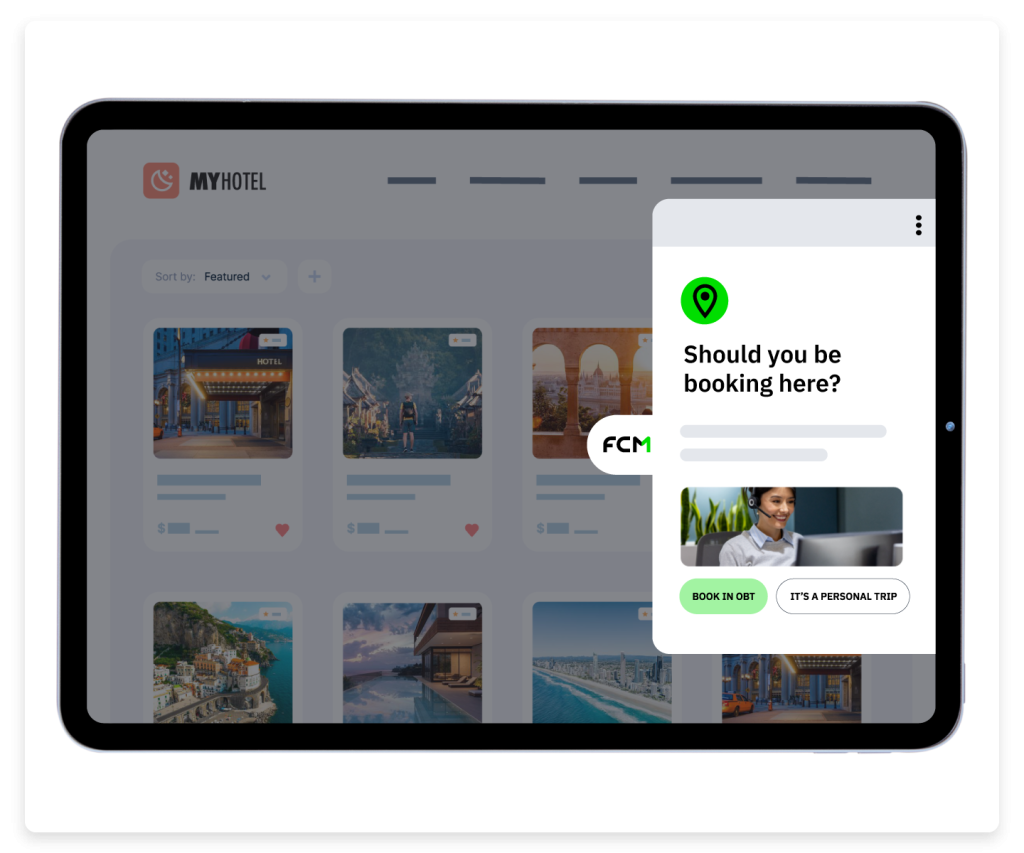
1. Monitors the booking site
The extension reads the booking website URL and content across over 2,000 major travel platforms to understand exactly what your employees are searching for.
-
2. Applies your travel policy
The system instantly checks the search parameters against your company's centralised travel rules, supplier agreements, and sustainability targets.
-
3. Delivers a contextual nudge
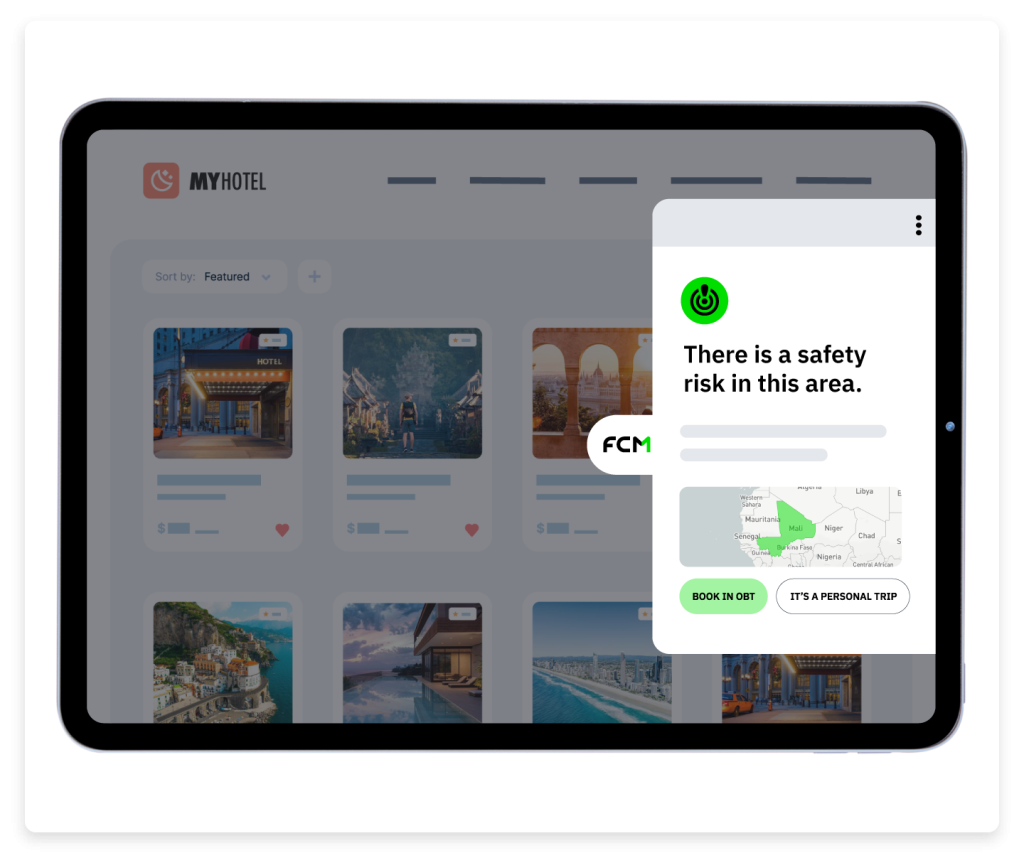
Travellers receive helpful pop-up notifications right on their screen, guiding them toward the correct action before they confirm their booking. All without logging into another system.


Gain control with our business travel browser extension
Stop programme leakage and improve duty of care at the source.





Customise FCM Extension’s messages to your needs
Use a centralised dashboard to create notifications that reflect your priorities.
You decide what triggers an alert, such as origin, destination, or website visits. Block off-channel bookings, send spending limit reminders, or promote loyalty programmes. You can customise the pop-up content with specific links and instructions for your team.

Track search and booking behaviour
Ever wondered what sites your travellers are visiting before they book?
FCM Extension’s reporting will not only tell you what sites they go to, but also which notifications are working, and what they clicked. Then, you can easily use Sam to rewrite or optimise your notifications.
See it in action
Take a self-paced tour to understand how you can have more compliant business trips and reduce travel spend.
Designed for strategic travel management




Make sustainable corporate travel choices second nature
Getting travellers to choose greener options is simpler when they see the impact immediately.
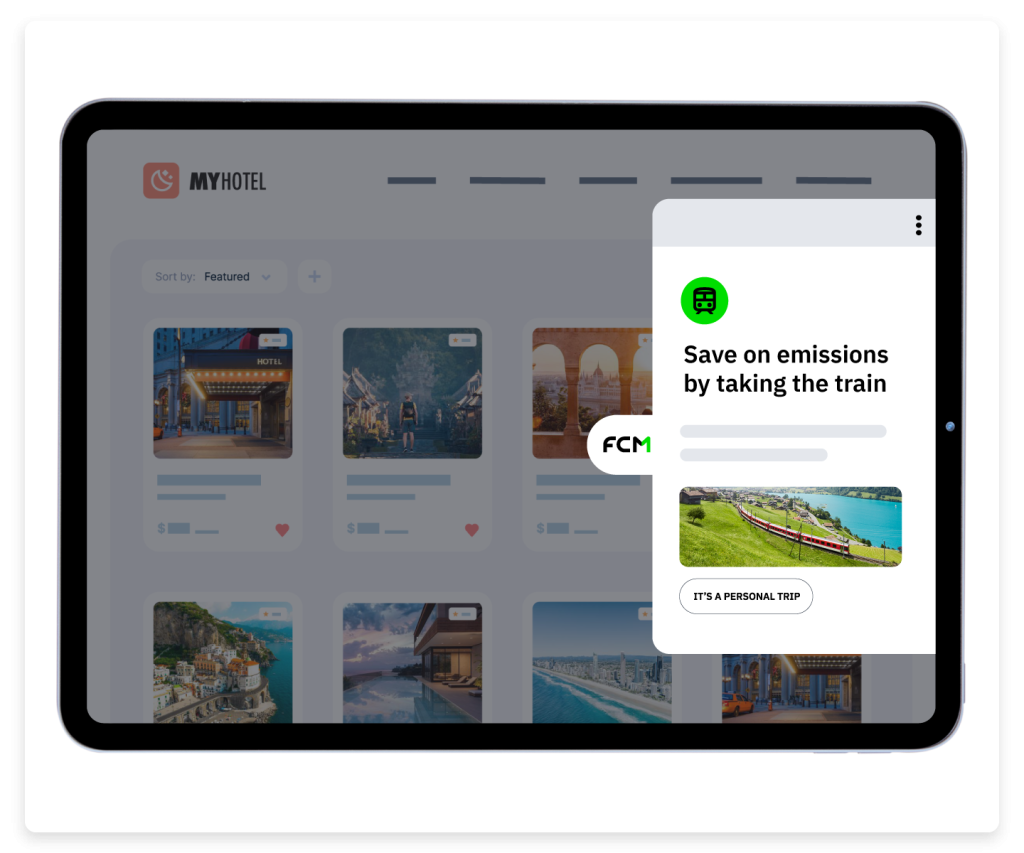
Provide detailed carbon emission calculations right on the search page or suggest taking a high-speed train instead of a short-haul flight.
These real-time prompts help your company reach its environmental targets by educating employees exactly when they're planning their route.

Case Study:
How Discovery Inc. influenced traveller decisions
Controlling programme leakage and costs was the initial goal for Discovery Inc. Its strategy soon expanded to include safety information, unused ticket reminders, sustainability suggestions, and training messages.
Frequently Asked Questions
-
What types of travel notifications will travellers receive?
Travellers receive a range of notifications designed to guide their booking decisions and keep them informed. These include search and booking alerts for off-policy options, unused ticket reminders, safety information, sustainability suggestions, and training messages.
Notifications can be customised for different traveller groups and regions, or to reflect regional policies, spending limits and supplier agreements.
-
Does the FCM Extension work on all travel booking sites?
FCM Extension works across over 2,000 major travel platforms, including airline websites, supplier platforms, and booking sites such as Booking.com. It connects up to FCM Booking, Concur, Cytric, and Deem.
-
Which browsers support the FCM Extension?
You can easily download and install the application onto either Google Chrome or Microsoft Edge browsers for your desktop or laptop computers.
-
How can my company get started with the FCM Extension?
If you already partner with FCM Platform, getting started is as easy as downloading the application for your Chrome or Edge browsers. If you're not using FCM Platform yet, consider booking a meeting with a travel consultant or taking a tour of the ways the platform helps you travel smarter.